- Guides
- Translate
- Productivity
Dictation for Non-Native English Speakers and Global Teams
Think in one language, write in another. How multilingual teams and non-native English speakers use voice dictation to write clear messages faster.
7 min read
Plenty of people do their best work in a language they didn't grow up with. If you work in English as a second language, the routine may be familiar: you work out the point in your first language, translate it in your head, type it slowly, then read it back to check it sounds right. A two-line reply to a client can take longer than the task it describes.
That says nothing about how good you are at your job. It's an extra step between your thinking and the page. This guide looks at dictation for non-native speakers and the multilingual teams they work in, and at how the Wurd voice keyboard helps.
Working in a language you didn't grow up with
Writing at work in a second language has a cost that rarely shows up on a to-do list: composing each sentence in your head, the second and third read before you press send, the short reply you put off because it has to be just right.
People in this position are often described as non-native English speakers, a term some find awkward. Whatever you call it, the experience is common: a support agent who thinks in Arabic and answers customers in English, a project lead who plans in Hindi and reports in English, an engineer who explains things best in Chinese, Spanish or French.
You don't need to sound like someone else; you need your own point written down quickly and clearly.
Why speaking can be easier than typing in a second language
When you type, you do two jobs at once: finding the words and finding the keys. In a second language, finding the words is already work. Speaking takes the second job away. You say the sentence the way you'd explain it to a colleague, and the text appears.
Wurd's homepage notes that "Most people speak about three times faster than they type." In a second language, that time can go into choosing the right words.
Speaking won't make your English perfect. It removes the slow, key-by-key part, so more of your attention goes to what you're saying.
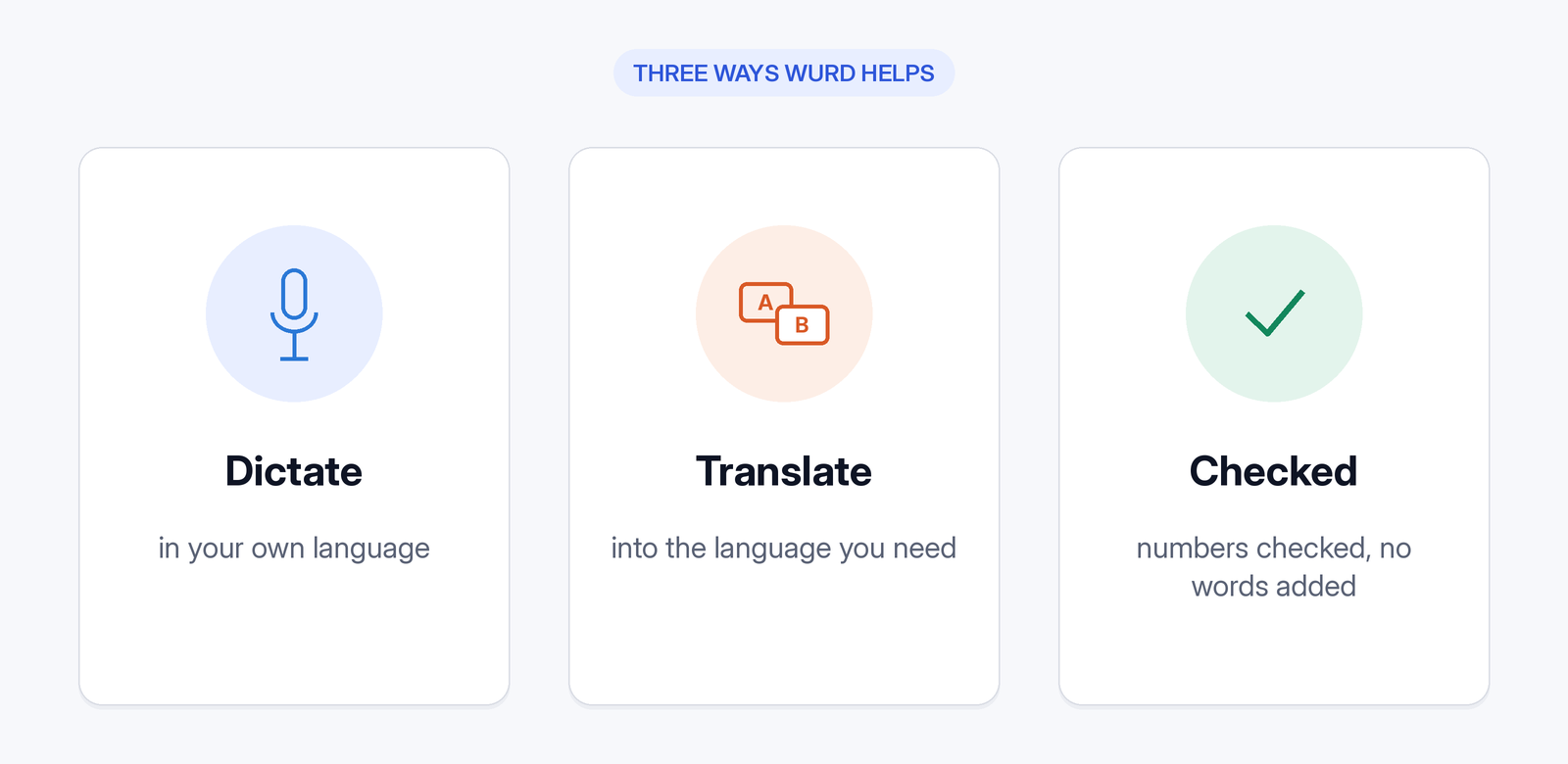
Three ways Wurd helps
Dictate in English as you speak it
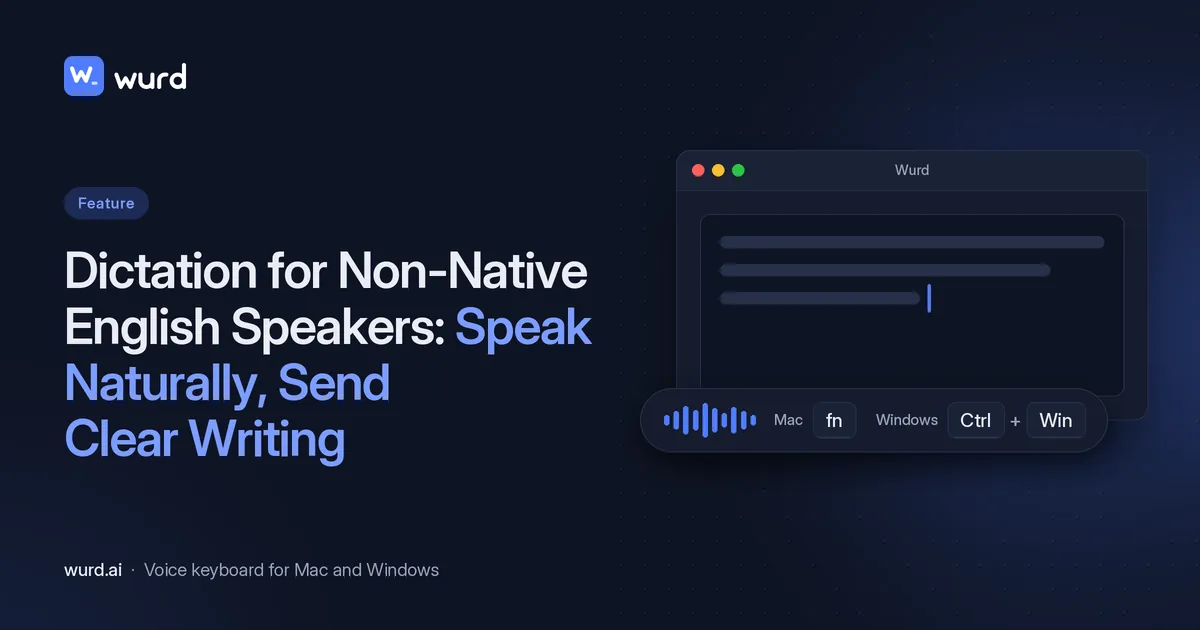
On a Mac, hold fn. On Windows, hold Ctrl + Win. Speak, let go, and Wurd writes clean, punctuated text into the app you're typing in. Here's how it works.
Wurd takes out the ums, keeps your "no, I mean…" corrections and fixes punctuation. It won't dress your message up, either: "It doesn't add greetings, sign-offs or ideas you didn't say."
Dictate isn't only for English. Wurd recognises the language by itself, and Dictate writes it back in that language, so the same shortcut works for a note to a colleague in Spanish, Hindi, Arabic or Bangla.
Say it in your own language, send it in English
Hold fn + ⌃ on a Mac, or Ctrl + Win + Alt on Windows, and speak in your own language. Wurd writes it in the output language you picked in the app, such as English, "written naturally rather than word for word." The iPhone and Android apps are in private beta and have the same Translate switch. See the Mac shortcuts, including Translate.
Mix languages mid-sentence
Wurd's site describes it this way: "Switch languages in the middle of a sentence, the way people really talk. Wurd keeps each word in the language you said it in…" As with Dictate, Wurd recognises the language by itself. That helps in internal chat, where colleagues may mix the language of the office with their own.
Getting the details right
In work messages, the costly mistakes are often small: a wrong figure or a misspelt name. Wurd has safeguards for both, but it isn't perfect. Its Terms say it "can mishear words, mistranslate, or punctuate wrongly." So read important messages before you send them.
Numbers are checked
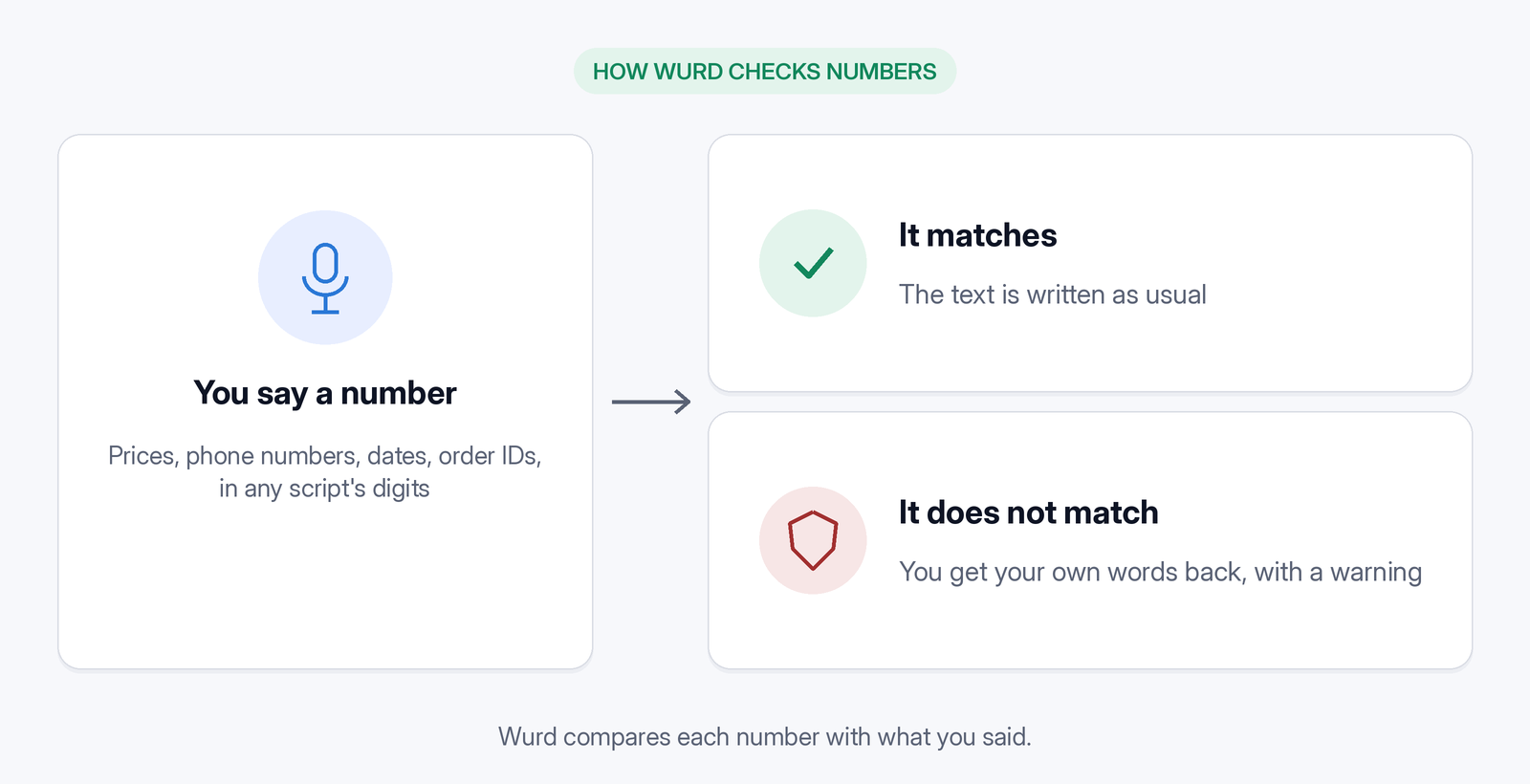
Prices, phone numbers, dates and order IDs are compared with what you said, "in any script's digits." The site adds: "If one doesn't match, you get your own words back with a warning, never a wrong figure."
A dictionary for names and team vocabulary
Names of colleagues and clients, product names and team jargon can be hard to spell in a second language. Add them to your dictionary (100 words on Free, 2,000 on Pro) and Wurd "listens for them and spells them your way." The dictionary is tied to your account (in the site's words, "Your dictionary, snippets and stats follow you"), so a team gets more from it when everyone adds the same names and terms. Snippets follow your account too, and help with text you send often: "Say a short trigger such as 'my address' and Wurd drops in the full text, exactly as you saved it."
It writes, it doesn't answer
The site puts it plainly: "Dictate a question and Wurd writes the question down. It never replies to it or follows instructions hidden in your speech."

For multilingual teams
If you're looking at AI email tools for non-native speakers, one useful question is whether the message stays in your own words. Wurd writes what you said, cleaned up. Where it fits in a working day:
- Support replies: an agent answers customers in English, or speaks in their own language and uses Translate on a Mac.
- Client updates: a project lead dictates a status note, and every number, including dates, is checked against what they said.
- Internal chat across offices, in English or in whatever mix of languages people use.
On a computer, Wurd works anywhere you can paste: email, chat, documents, browsers, code editors and terminals.
There are no team or business plans, so rolling Wurd out to a team means each person setting it up: download Wurd and sign in with Google or Apple on your own account. Agree on a list of client names, product names and team terms, and have each person add the same terms to their own dictionary. Teammates on a Mac who think in another language can use Translate.
The free plan includes 2,000 words a week with Dictate and Translate. "Every new account starts with 14 days of Pro, up to 30,000 words. No card needed." Paid plans aren't open, and nobody is charged. Pro is planned at $12 a month, and that price may change before launch.
Privacy at work
Wurd never stores your audio. Its speech-to-text provider is ElevenLabs. In Wurd's own words:
- "Your history stays on your device. Cloud history is off unless you turn it on."
- "We delete each transcript at our speech provider right after the dictation; the AI step runs only on zero-data-retention endpoints."
- "Our logs and your stats hold counts and timings, never what you said."
- "No ads, no selling your data, and nothing you say trains AI models at Wurd."
Wurd's privacy policy notes that UK GDPR and EU GDPR apply. For the details, read Wurd's privacy promises and the full privacy policy.

Tips for dictating clear work messages
-
Plan the point in whichever language you think in, then say it.
-
Speak in full sentences.
-
If an English word won't come, say it more simply and keep going.
-
Say names and numbers clearly, then read them back before you send.
-
Sign in with Google or Apple. On a Mac, allow microphone and Accessibility access when asked.
-
On Windows, the installer isn't code-signed, so the first time Windows SmartScreen may show "Windows protected your PC". Click More info, then Run anyway.
-
Wurd is in beta and needs an internet connection; there's no offline mode.
FAQ
Can I speak in my own language and get English text?
Yes. Hold fn + ⌃ on a Mac, or Ctrl + Win + Alt on Windows, and Wurd writes your message in the output language you picked, such as English. On iPhone and Android the apps are in private beta.
Does Wurd fix my English grammar or rewrite my message?
Not as such. Wurd's clean-up takes out filler words, keeps your own corrections and fixes punctuation, and it never adds words. Grammar correction isn't among the features Wurd describes, and it doesn't rewrite your message. Command mode, for rewriting, shortening and changing tone, is planned for Pro and isn't available.
Which languages can I speak?
Wurd recognises the language by itself, and Dictate writes it back in that language. Wurd doesn't publish a language list or count; languages the site uses as examples include English, Spanish, Arabic, Bangla, Hindi, Chinese and French.
Is there a team plan?
No. Each person signs up and uses their own account.
Does Wurd see my screen or my company's data?
"Wurd only knows the app's name, never what's on your screen." Wurd never stores your audio, and "Our logs and your stats hold counts and timings, never what you said." For more, see the Wurd FAQ.
Does it work on my phone?
The iPhone and Android apps are in private beta and aren't in the App Store or Google Play.
Keep reading
- Guides
- Translate
- Productivity
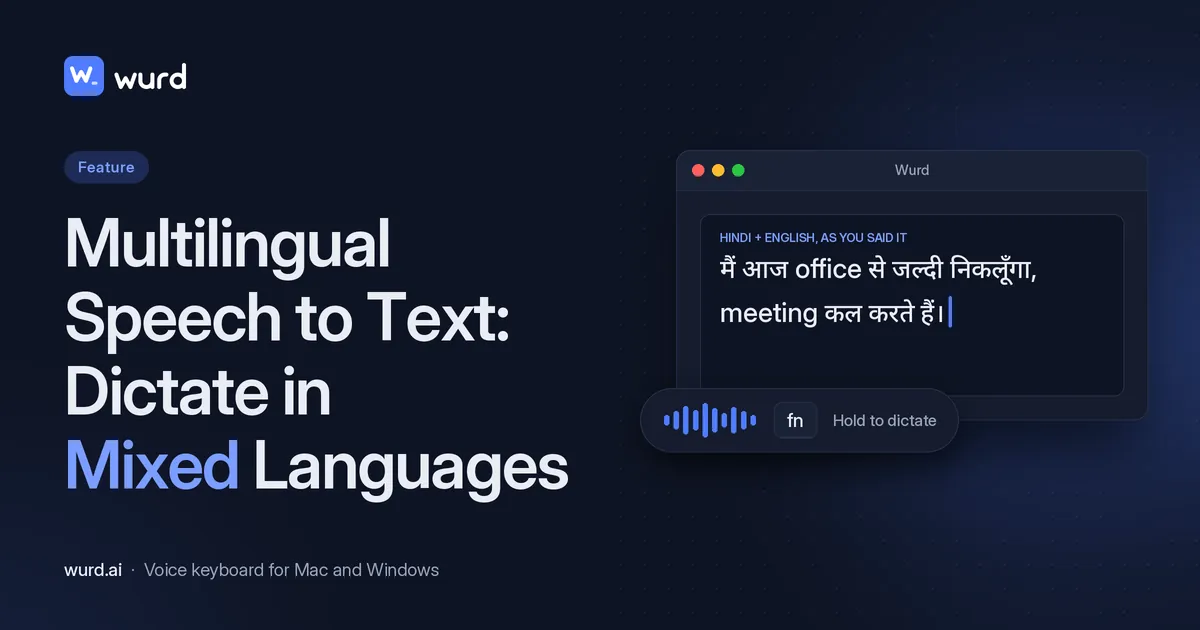
Multilingual Speech to Text: Dictate in Mixed Languages
Switch languages mid-sentence and keep each word in its language: how Wurd handles mixed-language dictation on Mac and Windows, with examples.
7 min read
- Translate
- Guides
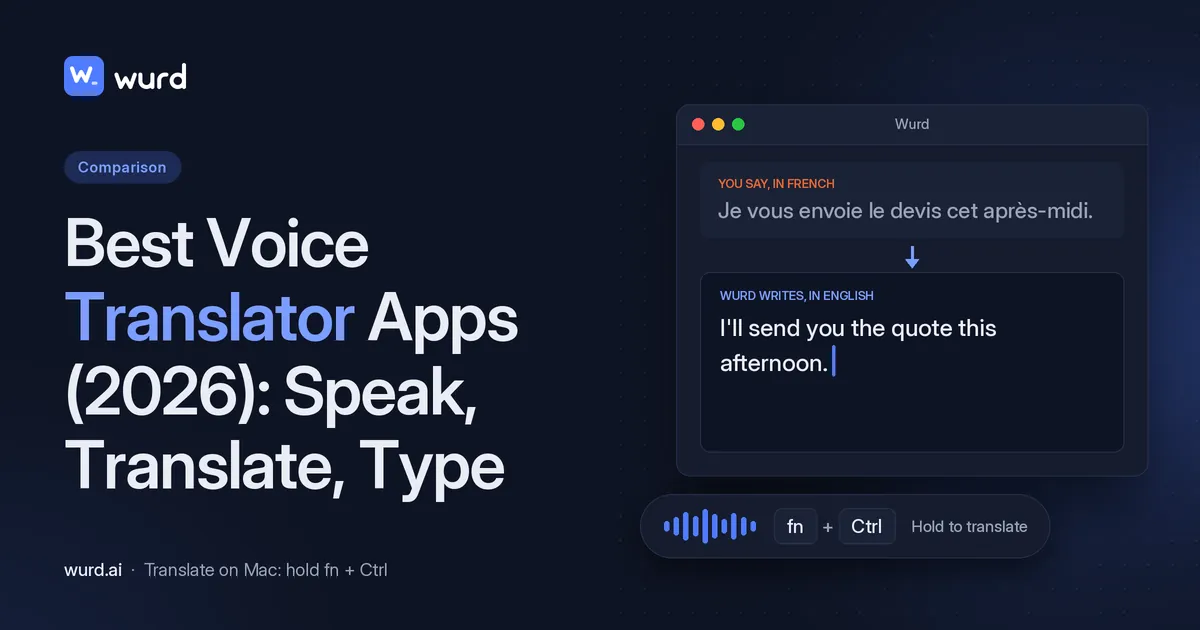
Best Voice Translator Apps (2026): Speak, Translate, Type
Compare the best voice translator apps for conversations and for typing. See which tools turn your speech into translated text, and where Wurd fits on Mac.
12 min read