- Guides
- Translate
- Productivity
Multilingual Customer Support: Our Team's AI Keyboard Story
Multilingual customer support without a translator tab: how our team speaks in its own language and sends clear English with the Wurd AI keyboard.
8 min read
By Sunny Sultan, Co-Founder & CEO of 6amTech
For example, think of a support agent who knows exactly what she wants to tell a client. In her own language, the reply is warm and clear. In English, it comes out stiff, or it takes far too long to write.
That gap sits at the heart of multilingual customer support. This is our own team's story at 6amTech, and how they use the Wurd AI keyboard, a voice keyboard we build.
What Is Multilingual Customer Support
Multilingual customer support means helping customers across more than one language, so each person can get help in a language they understand. It covers chat, email, phone and every other place a team answers clients. The goal is simple. Every customer should feel understood, whichever language they speak.
Language matters to customers. In CSA Research's 2020 survey of 8,709 consumers in 29 countries, 75% of respondents said they're more likely to buy the same brand again if customer care is in their language.
Wurd's Translate is built to write from any language to any language, which helps teams reply in the language a client uses.
Multilingual support also has a second side. Many teams talk to clients in English while their agents think in another language.
Our story sits on that second side. It's about agents who work across languages and need their English replies to sound like them.
What Is the Wurd AI Keyboard
Wurd is a voice keyboard for every language. In the site's words, you "hold a key (or tap the mic on your phone), speak naturally, let go, and clean text appears where your cursor is."
Wurd works in Dictate and Translate modes. Dictate writes in the language you spoke. Translate writes in the language you pick, whatever language you speak.
On a computer, it works anywhere you can paste, including email, chat, documents and browsers. Wurd is available on Mac and Windows, with Dictate and Translate on both. The Android app is on Google Play, and the iPhone app is coming very soon.
Wurd needs an internet connection and has no offline mode.
Why Client Messages Are Hard in a Second Language
Knowing English and writing in it the way you truly mean are two different things. These are the common pain points for non-native speakers who write to clients.
Translating in your head slows every reply
When you write in a second language, you do the work twice. You form the thought in your own language, then rebuild it in English, word by word.
How to solve it: Remove the rebuilding step. Say the thought in the language you think in and let a tool write it in English.
Literal English often sounds cold
A sentence that feels kind in your own language can turn stiff when you translate it in your head. A warm apology becomes formal and distant.
The reply may be correct and still miss the care behind it.
How to solve it: Use translation that is written naturally, not word for word, so the tone you meant survives.
Small mistakes cost trust
In client messages, small slips do outsized damage. Typical ones look like this:
- A wrong date in a delivery promise.
- A client's name spelled two different ways.
- A price typed with one digit off.
How to solve it: Check numbers against what you said, and keep a list of names and terms that are always spelled the same way.
How Our Support Team Wrote to Clients Before
At 6amTech, our business and support people communicate with clients. They are Bangla speakers.
They know English. But writing client messages in English, exactly the way they truly meant them, was tough for them as non-native speakers.
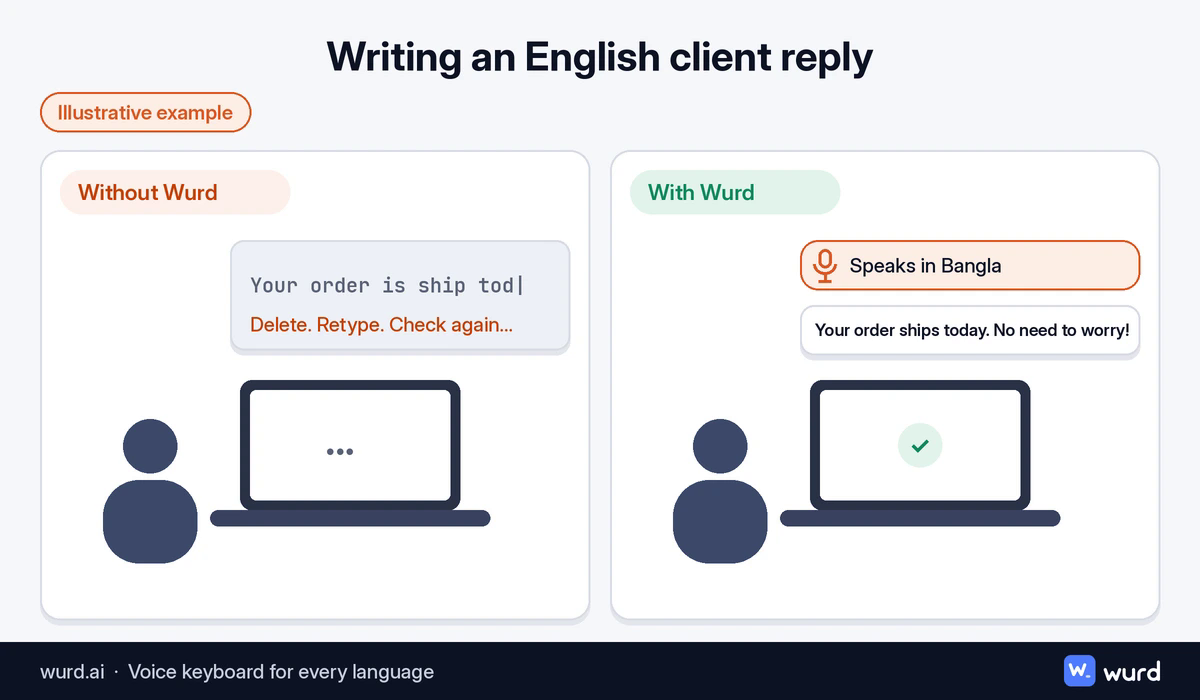
How Our Team Uses Wurd in Client Conversations
For about six months, our business and support people have used Wurd internally for client communication. They use it on Mac, Windows, Android and iPhone. These are the features that fit that work.
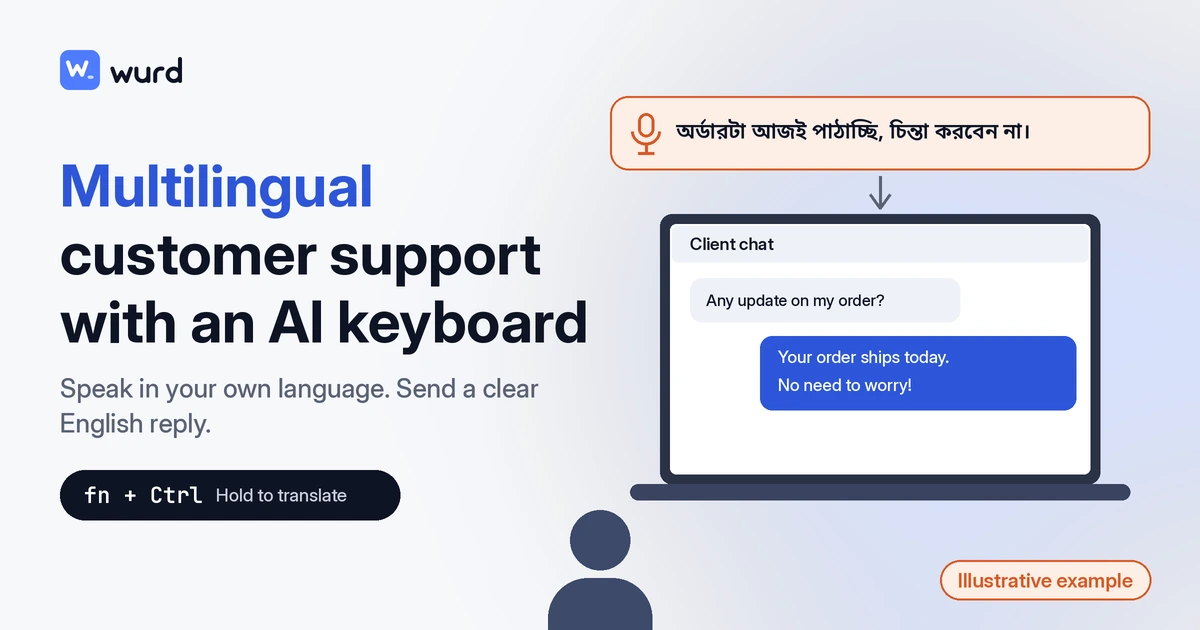
Speak in your own language and send natural English
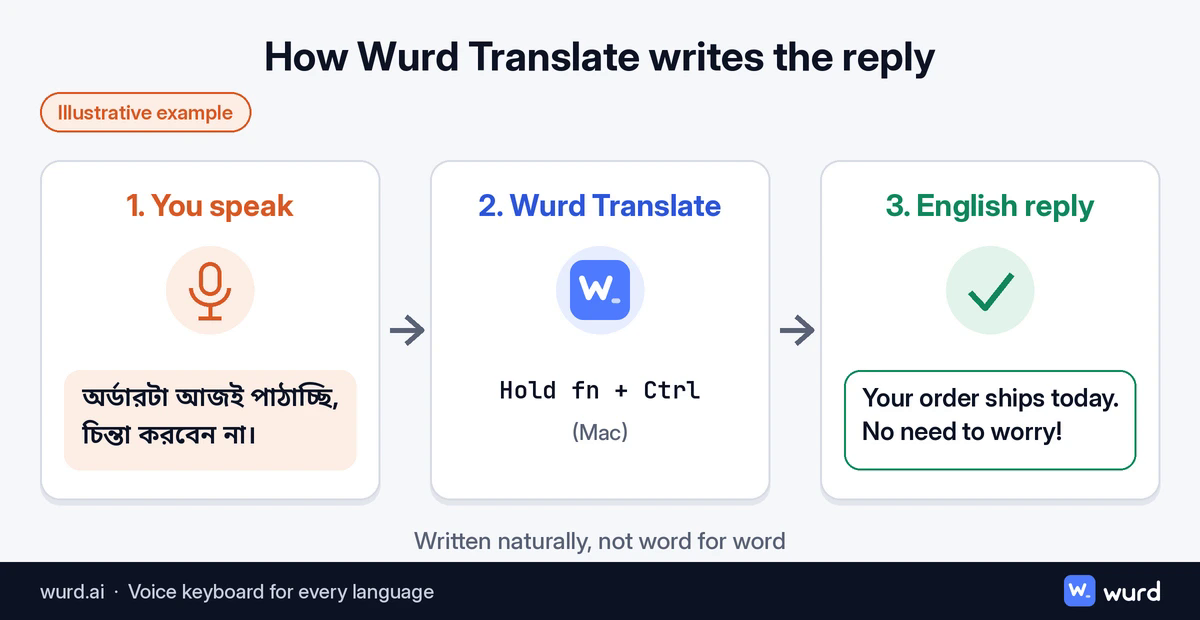
Translate lets you say a reply in your own language and get it written in English. Wurd is built to translate from any language to English, or from any language to any language.
On a Mac, hold fn + ⌃ (Control), speak, and Wurd pastes the translated text. On Windows, hold Ctrl + Win to dictate, and Translate works there too. The iPhone and Android keyboard adds a Dictate / Translate switch in the Wurd bar.
Wurd describes the translation as "written naturally rather than word for word. No translator tab, no copy and paste."
Mix languages in one sentence
Work conversations often mix languages. Product names and technical terms slip into a sentence in English.
Wurd lets you "switch languages in the middle of a sentence, the way people really talk." Mixed Bangla and English, or Banglish, is where Wurd started, and the same works for pairs like Hindi with English or Spanish with English.
Your own words with nothing added
Support teams need to stay in control of what they promise. Wurd doesn't put words in their mouth.
It "takes out the ums, keeps your 'no, I mean…' corrections and fixes punctuation. It doesn't add greetings, sign-offs or ideas you didn't say." Each reply stays the agent's own message.
Numbers checked against what you said
A single wrong figure can undo a good conversation. Wurd guards against that.
"Prices, phone numbers, dates and order IDs are compared with what you said, in any script's digits. If one doesn't match, you get your own words back with a warning, never a wrong figure."
Client names and product terms spelled your way
Client names, company names and product names should look the same in every reply. The dictionary handles this.
You add "names, places, brands and jargon to your dictionary," and Wurd "listens for them and spells them your way." Your dictionary, snippets and stats follow your account.
Snippets for details you send often
Some details come up again and again, like a contact address or a standard setup note. Snippets keep that wording identical in every reply.
"Say a short trigger such as 'my address' and Wurd drops in the full text, exactly as you saved it."
Replies that fit the app
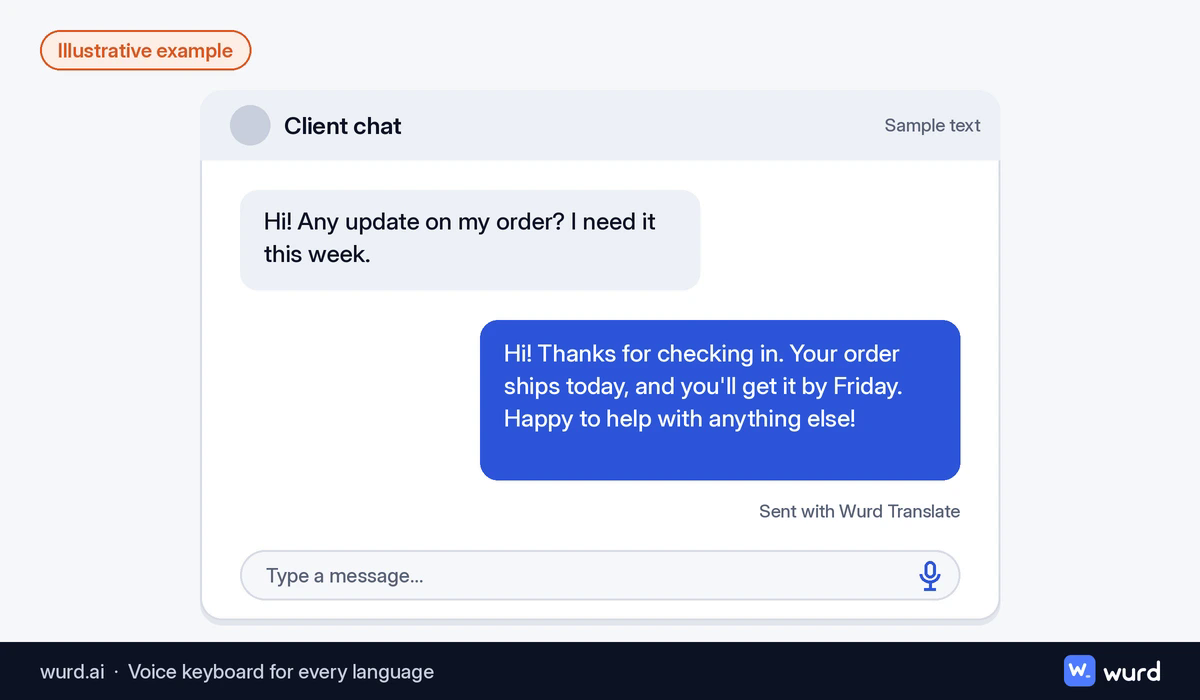
A chat reply and an email need different shapes. Wurd adjusts to where you're typing.
- Chat: One tidy paragraph.
- Email and documents: Paragraphs, and a list when you list things out loud.
"Wurd only knows the app's name, never what's on your screen."
Results After Six Months With Wurd
After about six months of internal use, this is where our team and our clients stand.
For our team: The team is very satisfied and happy. With Wurd, they can write to clients exactly what they want to say, in their own heartfelt way.
For our clients: Clients are satisfied too.
Which Teams Benefit From an AI Keyboard
Our story is about Bangla speakers, but the challenge isn't unique to one language. Any team that thinks in one language and writes to clients in another faces it.
Teams that may recognize our story include:
- Support teams that offer multilingual support from one office.
- Sales and account managers who follow up with clients abroad.
- Agencies and software companies whose staff think in Spanish, Arabic, Hindi, Chinese or French and need to write professional emails in English.
- Freelancers who handle every client message on their own.
How to Bring Wurd Into Your Team
Rolling Wurd out takes a little setup per person. Each step builds on the one before it.
Install Wurd on each computer
Download Wurd for Mac or Windows. Mac needs macOS 12 or later, and Windows needs Windows 10 or 11. Each person signs in with Google or Apple on their own account.
On Windows, the installer isn't code-signed, so SmartScreen shows "Windows protected your PC" once. Click More info, then Run anyway.
Agree on shared words and snippets
Collect client names, product names and team terms in one list, and have each person add them to their own dictionary. Then pick the details the team types most often and save each one as a snippet.
This keeps spelling and wording consistent, whichever teammate replies.
Practice on internal messages first
Let people try Dictate and Translate on internal chats before client replies. That way the shortcuts feel natural before a real client is waiting.
Ask everyone to read important messages, especially names and numbers, before sending.
Is an AI Keyboard Safe for Customer Data
Client conversations are sensitive, so it helps to know where your words go. Quoted lines are Wurd's own wording, and every point reflects Wurd's privacy promises.
- Wurd never stores your audio.
- "We delete each transcript at our speech provider right after the dictation; the AI step runs only on zero-data-retention endpoints."
- "Our logs and your stats hold counts and timings, never what you said."
- "No ads, no selling your data, and nothing you say trains AI models at Wurd."
Conclusion
Good client communication isn't about perfect grammar. It's about the client feeling looked after, and the person replying feeling confident.
Multilingual customer support works best when every agent can say what they mean. With Wurd, our team can write to clients in English exactly what they want to say.
If your team already knows what to say in its own language, Wurd can help those words reach your clients.
FAQ
What is an AI keyboard?
An AI keyboard uses AI to help you write. Wurd is a voice-first keyboard of this kind. You speak, and it writes clean, punctuated text in your language, or translated into the language you pick, wherever your cursor is.
What does multilingual support mean?
It means a business can help customers in more than one language. For a team owner, that can mean hiring agents for each language, or giving existing agents tools like Wurd so they can write clearly in the language the client uses.
What is a bilingual customer service?
Bilingual customer service is support offered in two languages, often English and one local language. A bilingual agent can think in one language and reply in the other, and Wurd's Translate mode helps that reply come out naturally.
What are multilingual services?
Multilingual services are any services a business offers in more than one language, such as support, sales and onboarding. For a team owner, the practical question is how staff will write in each language. Wurd helps by letting each person speak naturally and send clean text in the language they pick.
Keep reading
- Guides
- Translate
- Productivity
Dictation for Non-Native English Speakers and Global Teams
Think in one language, write in another. How multilingual teams and non-native English speakers use voice dictation to write clear messages faster.
7 min read
- Guides
- Translate
- Productivity
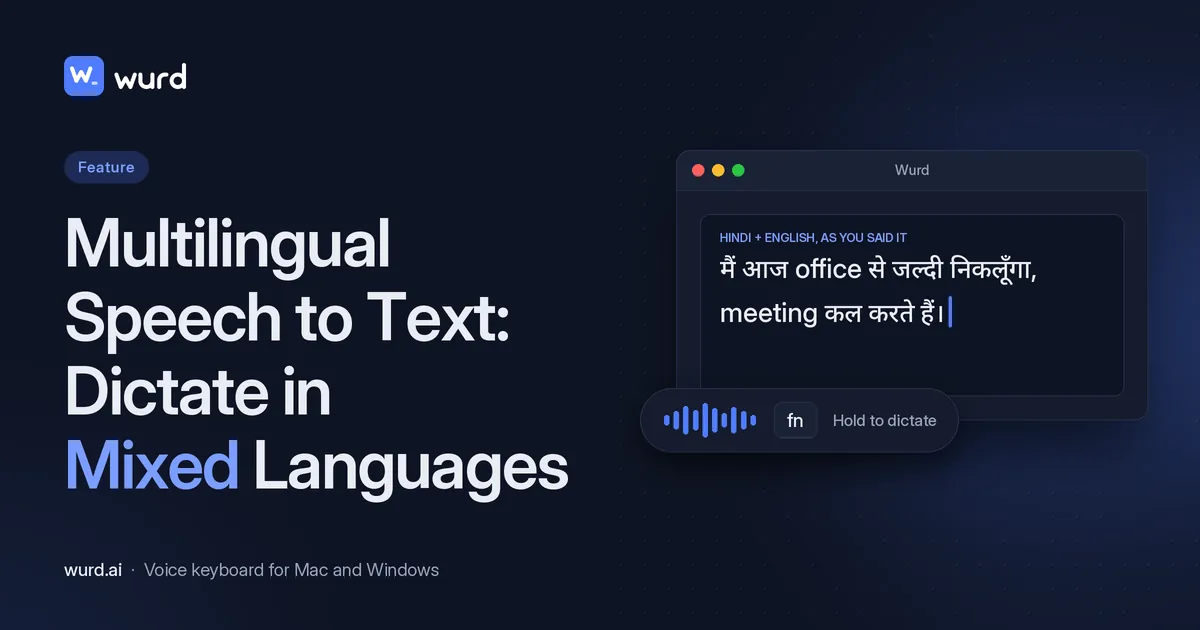
Multilingual Speech to Text: Dictate in Mixed Languages
Switch languages mid-sentence and keep each word in its language: how Wurd handles mixed-language dictation on Mac and Windows, with examples.
7 min read